Hivemind 2026.04.17: Tasks, Hooks, and Agent Hierarchy
· Hivemind Team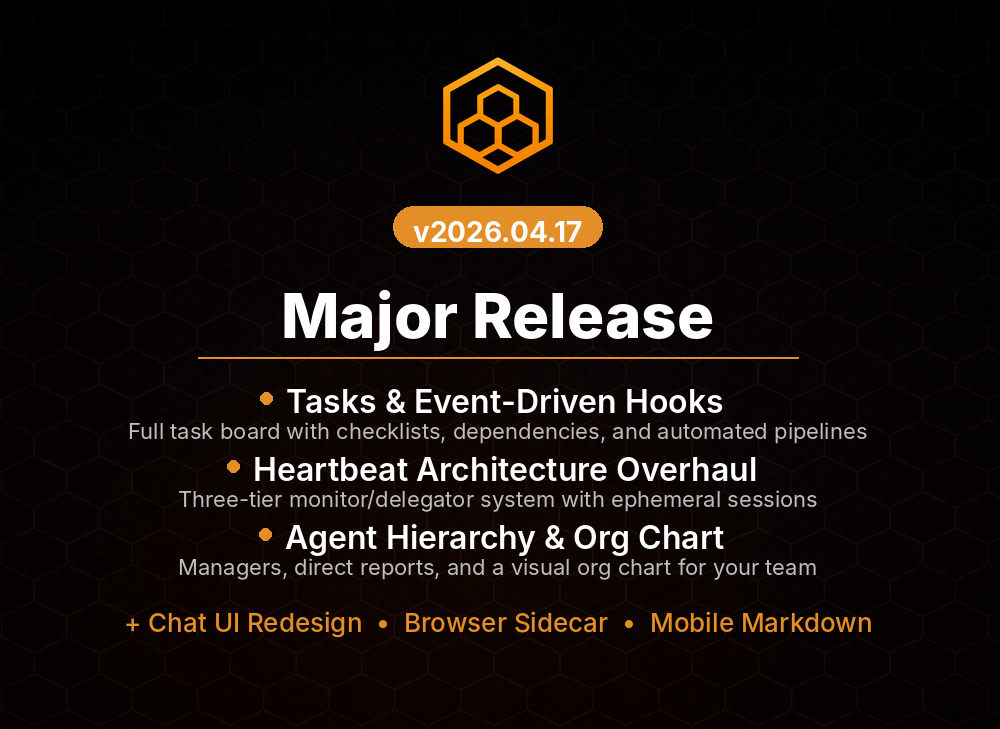
The Big One: Tasks with Event-Driven Hooks
This is what we've been building toward since the task system shipped in 2026.04.01. Tasks now support event-driven hooks — execute custom code when a task transitions status, gets assigned, or hits a deadline.
What this means in practice:
- Create a task, assign it to an agent, and automatically trigger a skill when it moves to in_progress
- Run a quality check whenever a task moves to review
- Ping Slack when a high-priority task gets blocked
- Auto-escalate tasks that stay in in_progress for 24 hours
Hooks are skills you've already written. Pick the skill, pick the trigger status, done. The hook fires with full context: task details, assigned agent, priority, description, everything. Your skill has everything it needs to make decisions.
This is the foundation for autonomous task orchestration. Workflows that route themselves, escalate themselves, and coordinate across teams without human intervention. It's what turns the task system from a nice UI into a real automation engine.
Heartbeat Architecture Overhaul
The heartbeat — the background process that keeps Hivemind running — got a complete redesign.
What it used to be: A single monolithic loop that touched everything. Every agent, every task, every integration, every scheduled job, all in one big heartbeat cycle. If one component got slow, it blocked everything else.
What it is now: A distributed event bus with independent subscribers. Each component — agent thinker, task orchestrator, integration dispatcher, scheduled job runner — is its own subscriber. They fire independently based on the events they care about.
The impact is dramatic:
- No more blocking: One slow agent can't block task updates for other agents. One integration failure doesn't cascade.
- Faster response: Events propagate as soon as they're published. A task becoming ready-to-start doesn't wait for the next heartbeat cycle.
- Better scaling: You can run multiple heartbeat workers in parallel, each handling different event types. Horizontal scaling finally works.
- Easier testing: Event-driven architecture means each component can be tested in isolation against fake event streams.
The heartbeat is now horizontal scalable for the first time. Run multiple heartbeat workers, they coordinate via the event bus, work distributes automatically.
Agent Hierarchy & Org Charts
Agents now support organizational structure. Define parent-child relationships, team hierarchies, and reporting lines. Mission Control renders them as interactive org charts.
Click on an agent and see:
- Its parent (who it reports to)
- Its direct reports (if it manages other agents)
- Its peers (agents at the same level in the hierarchy)
This is more than a vanity org chart. The hierarchy affects how agents discover each other for delegation, how escalations work, and how permission inheritance flows.
An agent at the bottom of a hierarchy can't delegate tasks up the chain without going through the proper channels. An agent can be configured to only accept certain types of tasks from certain team members. Permissions and trust relationships are modeled explicitly.
For large teams running dozens of agents across multiple domains, this brings structure without adding friction.
Chat UI Redesign
The chat interface got a major visual overhaul focused on clarity and context.
What changed:
- Agent identity is obvious: Each agent's name, avatar, and role appear clearly. You always know who you're talking to.
- Message threading: Related messages are grouped visually. Tools, responses, and context stay together.
- Status indicators: At a glance, you see if an agent is thinking, executing a tool, waiting for approval, or ready for the next instruction.
- Code blocks with language detection: Code renders properly, with syntax highlighting and one-click copy buttons.
- Tool call transparency: When an agent makes a tool call, you see exactly what it's doing — the tool name, arguments, and (once it completes) the result.
The redesign maintains the conversational feel that makes Hivemind approachable while making technical interactions clear enough for power users.
Browser Sidecar Tools
Agents can now control a real browser instance through new browser tools:
| Tool | What It Does |
| browser_navigate | Go to a URL |
| browser_screenshot | Take a screenshot of the current page |
| browser_click | Click an element by text, selector, or position |
| browser_fill | Fill form fields |
| browser_extract_text | Get all text from the page (useful for scraping) |
| browser_extract_links | Get all links on the page |
This lets agents perform tasks that API-based tools can't: filling out dynamic forms, interacting with SPAs, scraping JavaScript-rendered content, automating click-heavy workflows.
The browser runs in its own container, isolated from the agent runtime. Network access is governed by the same rules as any other tool — only allowlisted domains can be reached. And every action is logged, so you have a complete audit trail of what the agent did.
Minor But Solid Improvements
- Task filtering by agent: In Mission Control, filter the task board to show only tasks assigned to a specific agent. Useful when onboarding new team members.
- Bulk task assignment: Reassign multiple tasks at once from the board view.
- Task template improvements: Edit task templates after creation. Refine your automation workflows without having to delete and recreate.
- Slack integration improvements: Slack threads now properly thread task updates. Mention an agent in Slack and it knows it was mentioned. Reactions to agent messages are logged.
- Agent memory compression: Long-running conversations compress agent memory automatically, keeping context relevant without bloating the token count.
Upgrade
hivemind upgrade
No manual steps. The event bus migration applies automatically, and existing tasks are converted to the new hook system (with no hooks attached — you add them as needed).
Full changelog: 2026.04.14 → 2026.04.17
Questions or feedback? Find us on Discord or open an issue on GitHub.
Agents that coordinate are agents that ship.